PrivyMermaid (macOS)
Create Mermaid and D2 diagrams locally, then use AI or Diagram Cloud only when you choose.
Overview
PrivyMermaid is a native macOS workspace for creating, organizing, previewing, and exporting Mermaid and D2 diagrams. Rendering, documents, templates, and chat history stay on your Mac by default. You can optionally connect an AI provider or sign in to Diagram Cloud for templates, projects, and sync.
Features
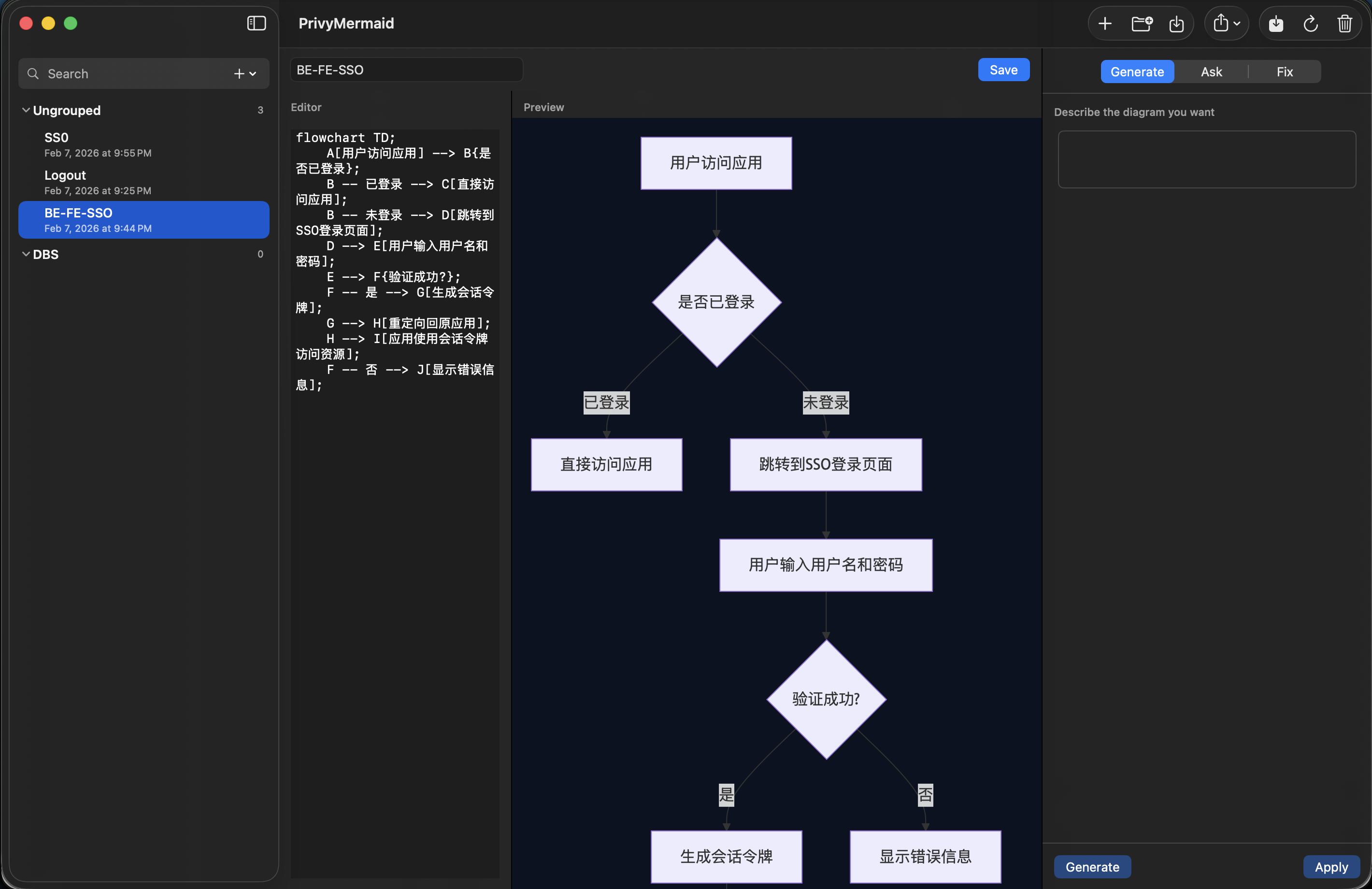
- Mermaid and D2 editing — Write either diagram language in a native editor with an instant local preview, configurable themes, backgrounds, and supported layout-direction controls.
- Organized local workspace — Keep diagrams in groups, start from built-in templates, and store documents, prompt templates, preferences, and per-diagram chat conversations locally.
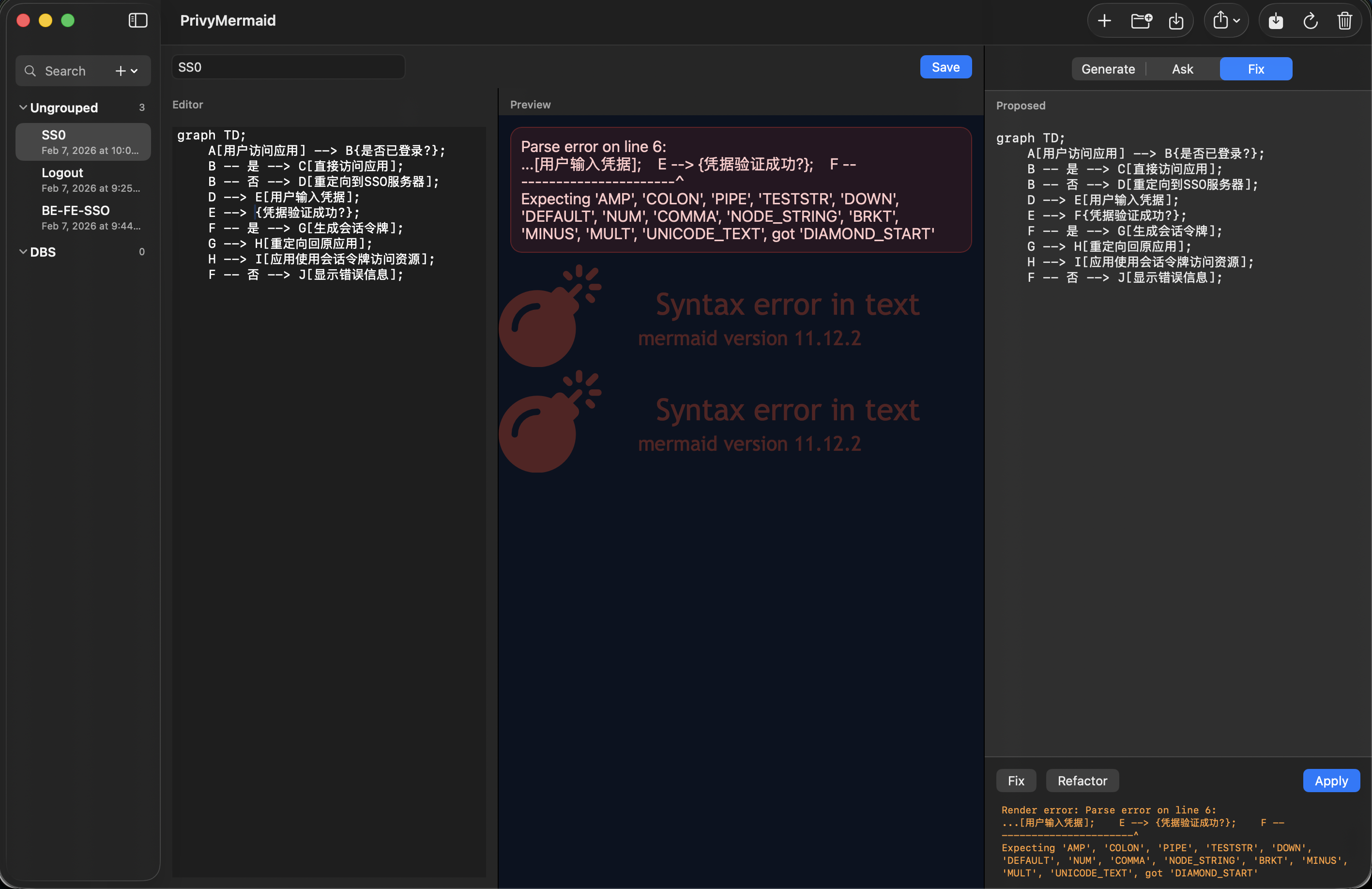
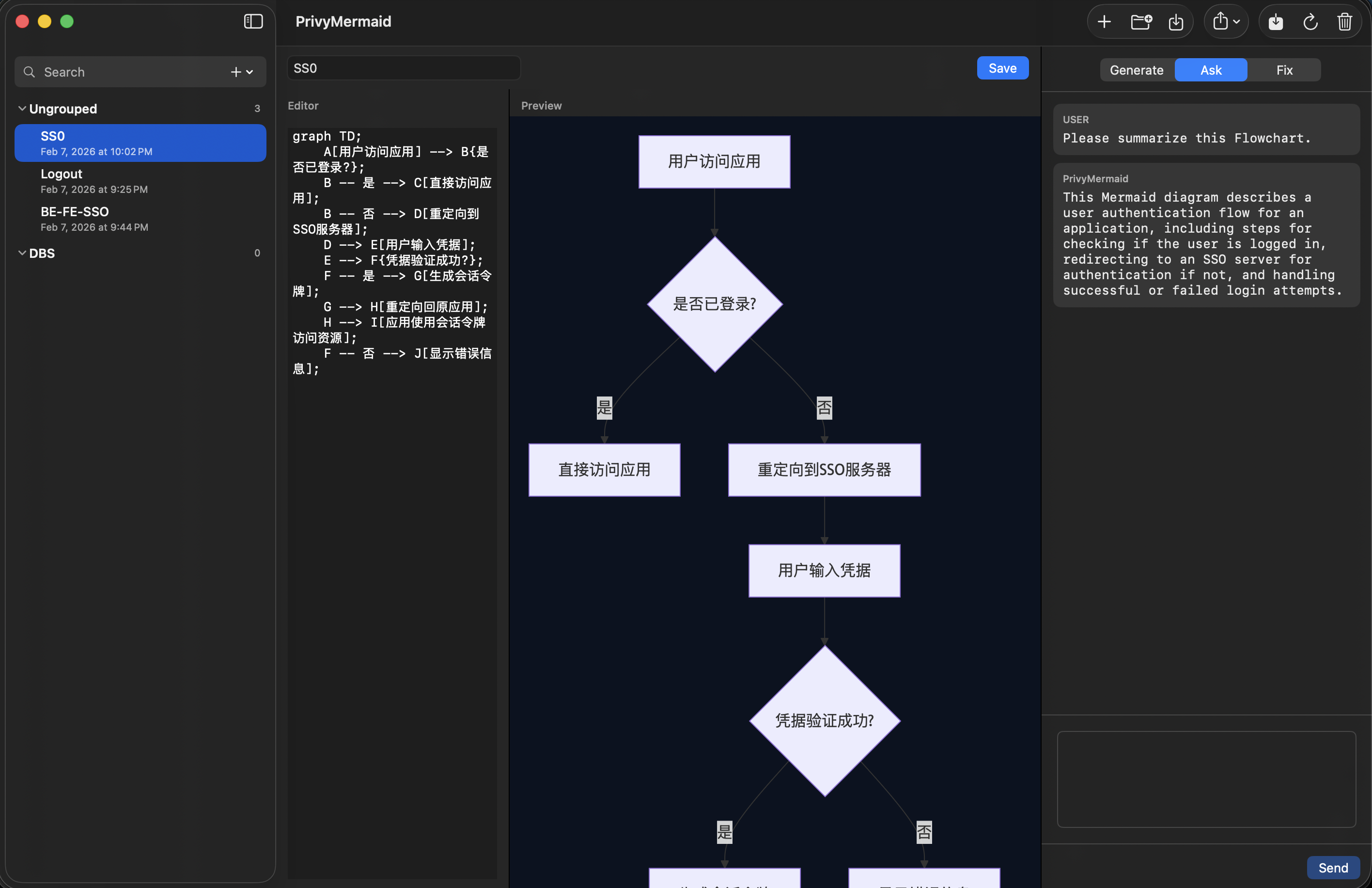
- Flexible AI assistance — Generate, ask about, fix, and refactor diagrams through Ollama, LM Studio, or another OpenAI-compatible endpoint you configure. PrivyMermaid Pro also offers an on-device Built-in Engine with downloadable models.
- Optional vision input — Send a rendered diagram image with Ask and Fix requests when you enable the option and use a compatible model.
- Import, export, and copy — Import Mermaid or D2 source; export source, SVG, PNG, PDF, or GIF; or copy a high-resolution PNG to the clipboard. File access always starts with a macOS file picker.
- Diagram Cloud (optional) — Browse public templates; sign in with GitHub, Google, or an email link to follow templates, manage private templates and projects, and sync Mermaid or D2 diagrams.
- Command-line rendering — The included
privymermaidcommand can render Mermaid source to SVG, PNG, PDF, or GIF for scripted workflows.
Local-first by design
The core editor works offline: Mermaid and D2 render from bundled resources, and local files stay on your Mac unless you opt into Diagram Cloud. AI requests go directly to the endpoint you configure, while the Built-in Engine runs on your Mac after a model download. Diagram Cloud is an opt-in account feature; local saves complete before any cloud sync is attempted.
Requirements
- macOS for the native app.
- An AI provider (optional) — Use a locally running provider, a compatible endpoint you control, or PrivyMermaid Pro's Built-in Engine.
- Diagram Cloud account (optional) — Required only for cloud templates, projects, follows, and synchronization.
Command-line rendering
The app includes privymermaid for rendering Mermaid source in
scripts and automation. Run privymermaid --help to see the
available options. It supports a file, standard input, or inline source and
can write SVG, PNG, PDF, or GIF output.
Screenshots