PrivaTranslate
Privacy-first web page translation using local LLM providers and Chrome's built-in Translator.
Overview
PrivaTranslate is a privacy-first Chrome extension for translating web pages through local LLM providers such as Ollama, LM Studio, OpenAI-compatible endpoints, and Chrome's built-in Translator API. All translations happen through your configured local provider, ensuring complete privacy. Choose the display mode that works best for you — overlay, replace, or side-by-side.
Features
- 100% local processing — All translations happen through your configured local provider, ensuring complete privacy
- Multiple providers — Ollama, LM Studio, OpenAI-compatible local endpoints, and Chrome Translator
- Three translation modes — Overlay (hover tooltip), Replace (in-place), and Side-by-Side (dual-column new tab)
- Structure-preserving replacement — Replace mode translates leaf text blocks while preserving nested paragraph structure
- Resilient local inference — Keeps running when you switch tabs, retries transient failures, and retries failed blocks once
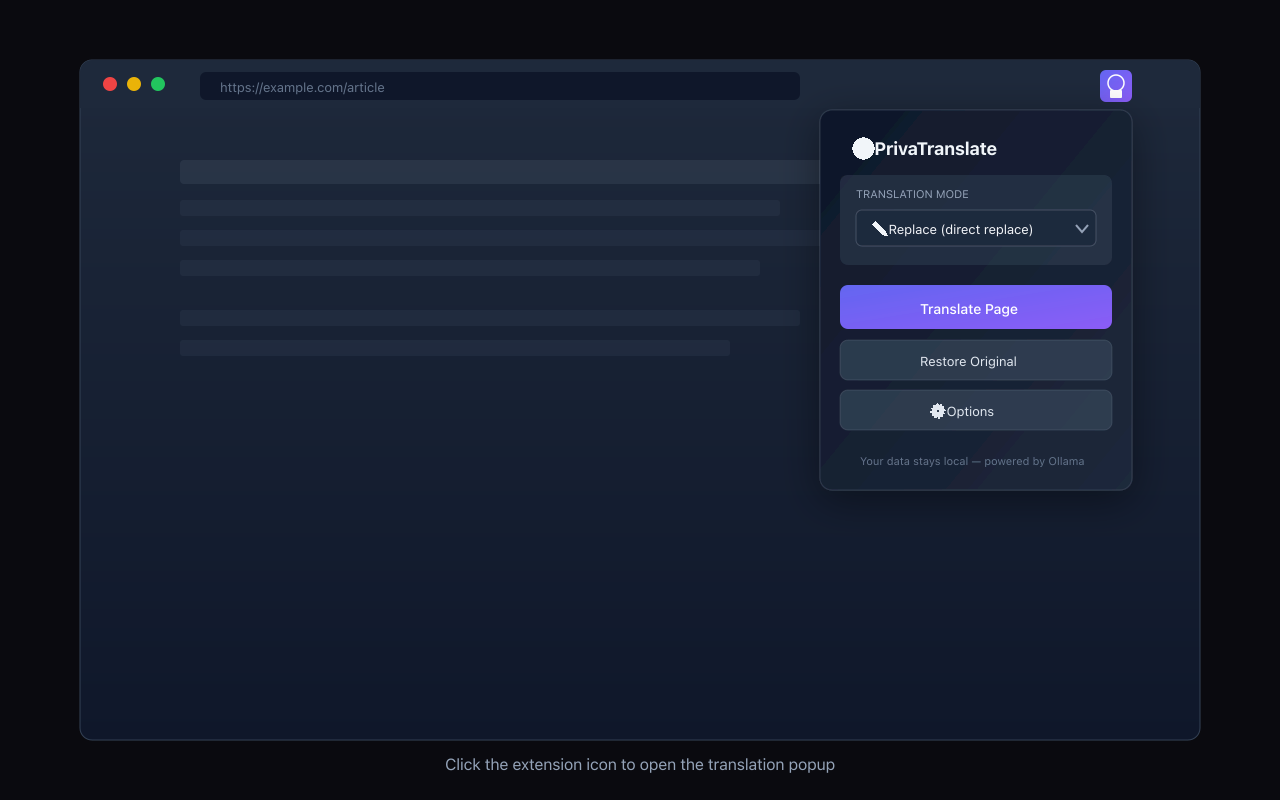
- Context menu integration — Right-click to translate any page instantly
- Zero data collection — No analytics, no tracking, no cloud services
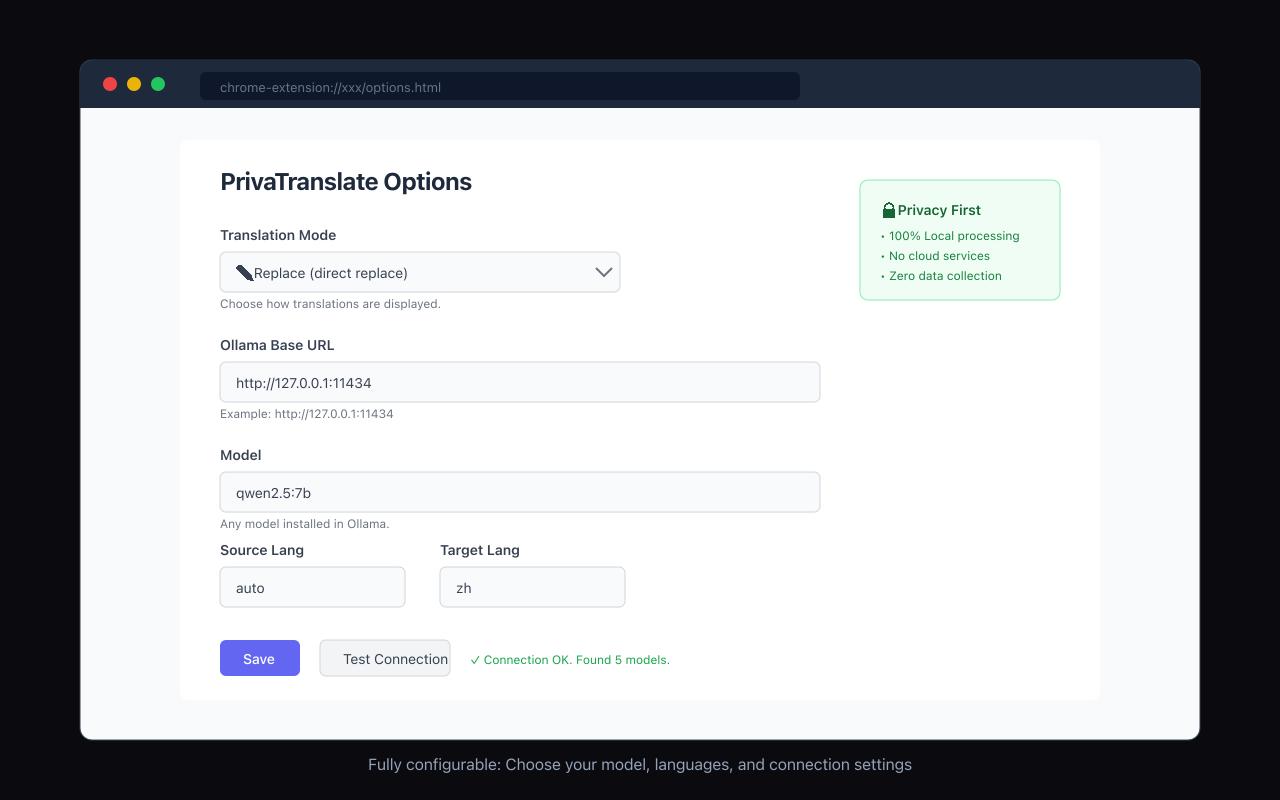
- Flexible configuration — Customize model, languages, concurrency, timeout, and batch short phrases
Translation Modes
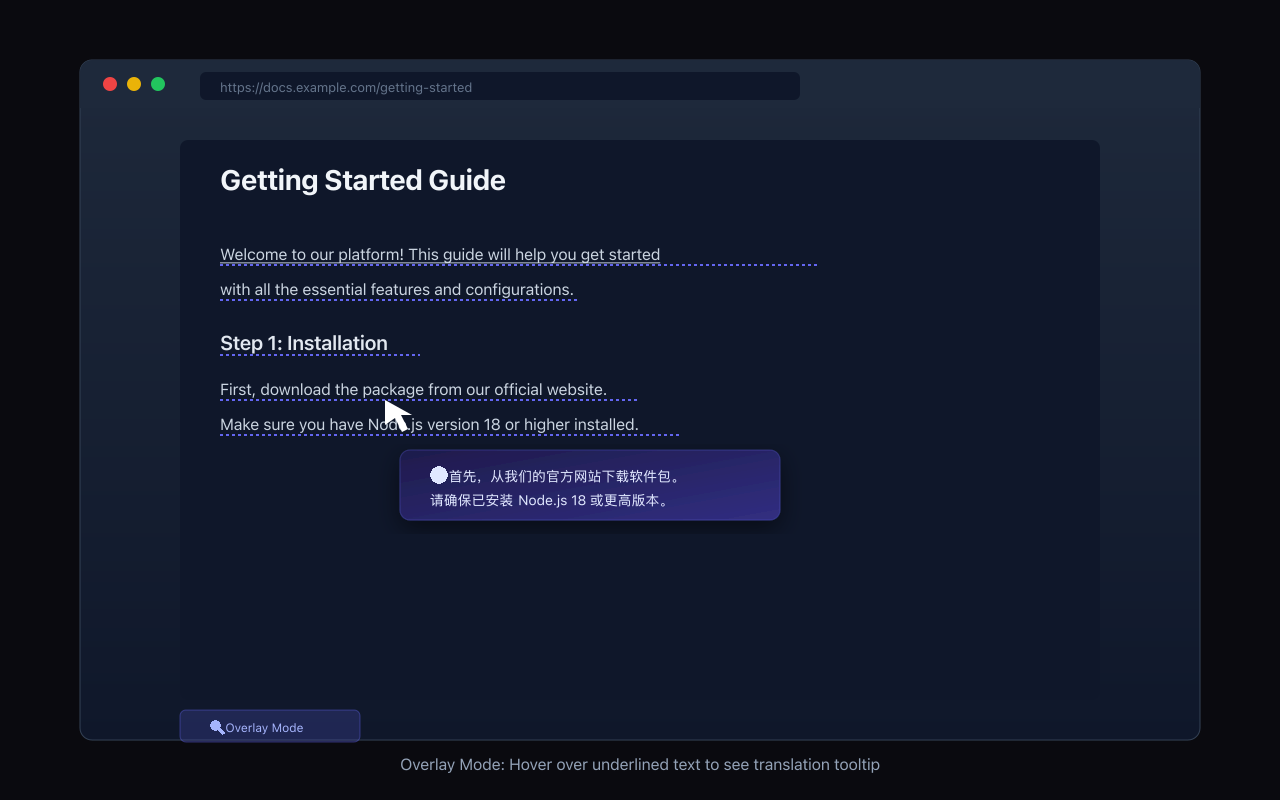
- 🔍 Overlay — Original text stays intact. Hover over underlined text to see translation in a tooltip.
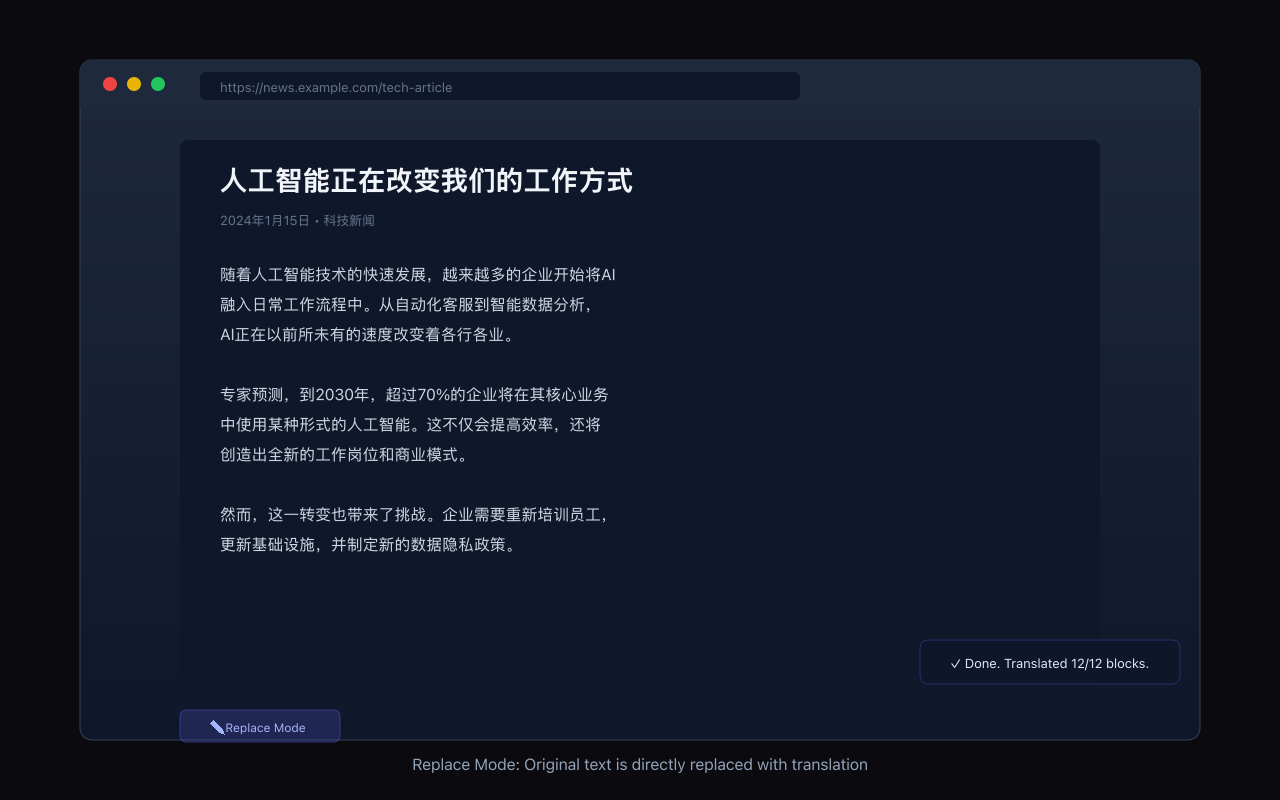
- ✏️ Replace — Directly replaces original text with translation. Use "Restore" to revert.
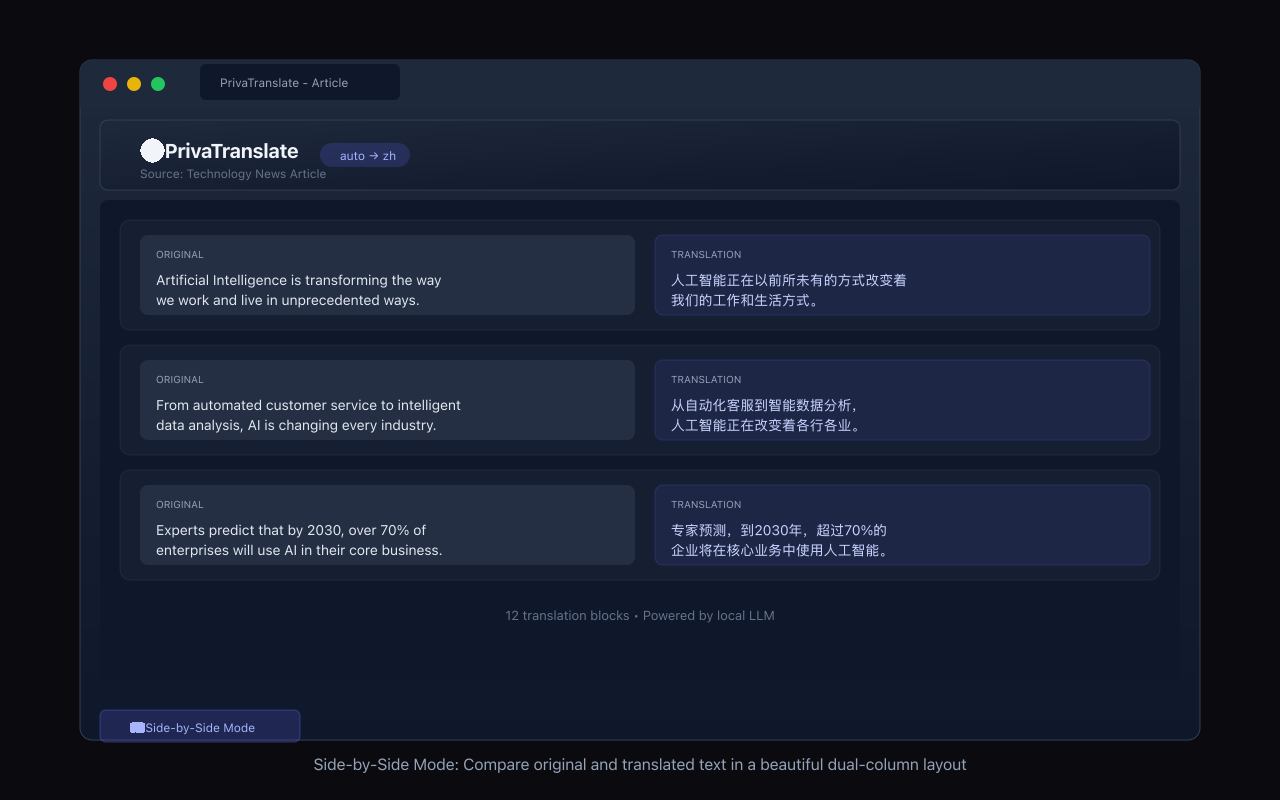
- 📖 Side-by-Side — Opens a new tab showing original and translated text in a beautiful dual-column layout.
Provider Support
PrivaTranslate supports flexible provider selection:
- Ollama — Uses
/api/chatand/api/tags; concurrency capped at 1 for stability - LM Studio — OpenAI-compatible API surface; API key optional for local usage
- OpenAI-compatible — Works with local servers
exposing
/modelsand/chat/completions - Chrome Translator — Uses Chrome's built-in Translator API; no base URL or API key required
Advantages
PrivaTranslate keeps translation traffic between your browser and local provider. Page text is sent only to the provider endpoint you configure. In Chrome provider mode, translation is handled by Chrome's built-in local Translator API. Provider API keys are stored locally in the browser profile, not synced. No analytics, no tracking, no external services.
Reliability
- Translation continues when you switch to another Chrome tab
- Long-running translations keep the MV3 background service worker alive
- Transient provider failures are retried automatically
- Blocks that still fail are retried once at the end of page translation
- Status message reports any remaining failures after translation completes
Requirements
Screenshots